
How work moves through Clevra
Follow a piece of work from the first request to the final payment, and find where each step lives in Clevra.
Updated
On this page
The path of a job
Most work follows the same path. Each step starts from the one before it, so you rarely type the same details twice.
- Request: a client asks for work. Record it under Requests.
- Estimate: price the work and send it to the client from Estimates.
- Job: when the client approves the estimate, Clevra creates the job under Jobs.
- Visit: put the job on the calendar and assign your team on the Schedule.
- Invoice: bill the finished work from Invoicing.
- Payment: record what the client pays against the invoice.
You do not have to start at the top. A repeat client can go straight to a job, without a request or an estimate.
Find your way around
The menu on the left groups everything:
- At the top, Dashboard, Activities and Schedule.
- Work: Requests, Estimates, Jobs and Invoicing.
- Clients: your Clients, and Messages with them.
- Company: Manage Team, Timesheets and Insights, where your reports are.
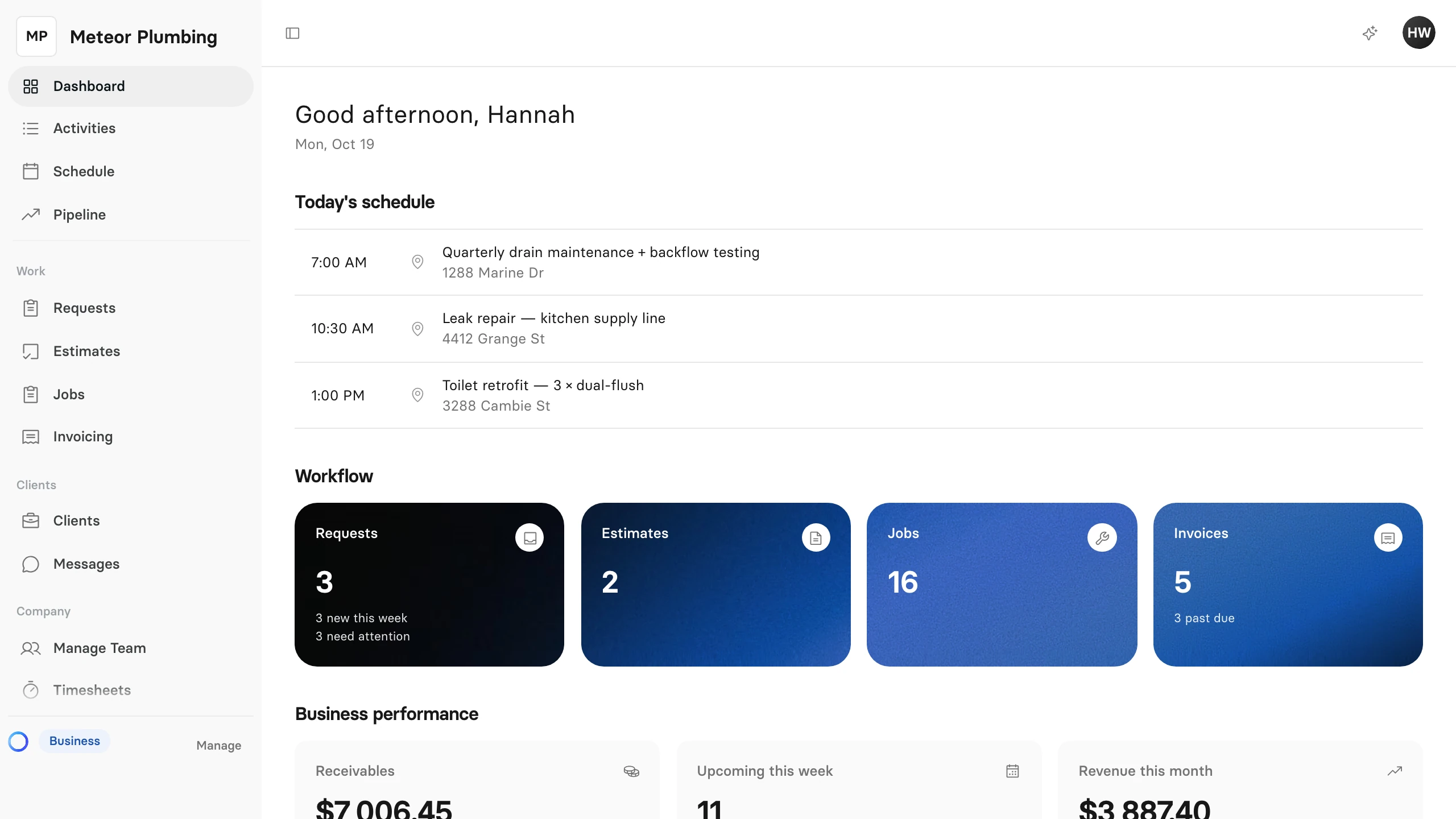
What you see in the menu depends on your role. A technician, for example, does not see Insights.